KDP Cover Calculator
Instantly calculate spine width and full cover dimensions for Amazon KDP
Enter your trim size, page count and paper type. We give you the exact dimensions (bleed included) you need to lay out your paperback or hardcover on KDP.
Includes 0.125" (3.175 mm) bleed on each side, exactly as KDP requires.
Real-scale PDF with bleed, trim, safe area and spine guides.
Sounds complicated? We can build it for you
Upload your artwork or let our team assemble it. Free for your first cover.
Why authors use bkcover for KDP covers
- Official KDP dimensions with bleed, calculated for your paper & pages
- Upload your own front, back and spine — or generate with AI
- Auto-fit to the KDP ratio, no unexpected crops
- Final PDF ready to publish, no confusing templates
Calculating a book spine and full KDP cover size is the step that eats most authors' time. With this calculator you get, in seconds, the exact dimensions Amazon KDP requires for paperback and hardcover — bleed already included.
Estimated calculation based on Amazon KDP official tables (white, cream, color and groundwood paper). Actual printed thickness may vary slightly.
The complete guide to calculating your KDP cover
Publishing on Amazon KDP feels easy until you reach the moment when you have to upload the cover. That's when three numbers appear that almost nobody explains properly: spine width, total width and total height with bleed. Get any of them wrong by a millimeter and KDP will either reject the file or —worse— accept it with the title off-center and an ugly white strip on the edge. This guide exists so that never happens to you again.
Here you will find everything you need to know about calculating KDP cover dimensions: how the cover is composed, why paper thickness changes the design, what bleed is and why it is mandatory, which trim sizes are most profitable, how to prepare a PDF that passes Amazon's previewer on the first try, and which mistakes cost entire reprints. It is written for self-publishers who want to understand the technique without depending on downloadable templates or external designers.
The calculator you have right at the top solves the math in one second, but understanding the why saves you weeks of trial and error. If you are new, read the whole thing; if you are in a hurry, jump to the section you need using the index.
1. Anatomy of a KDP cover
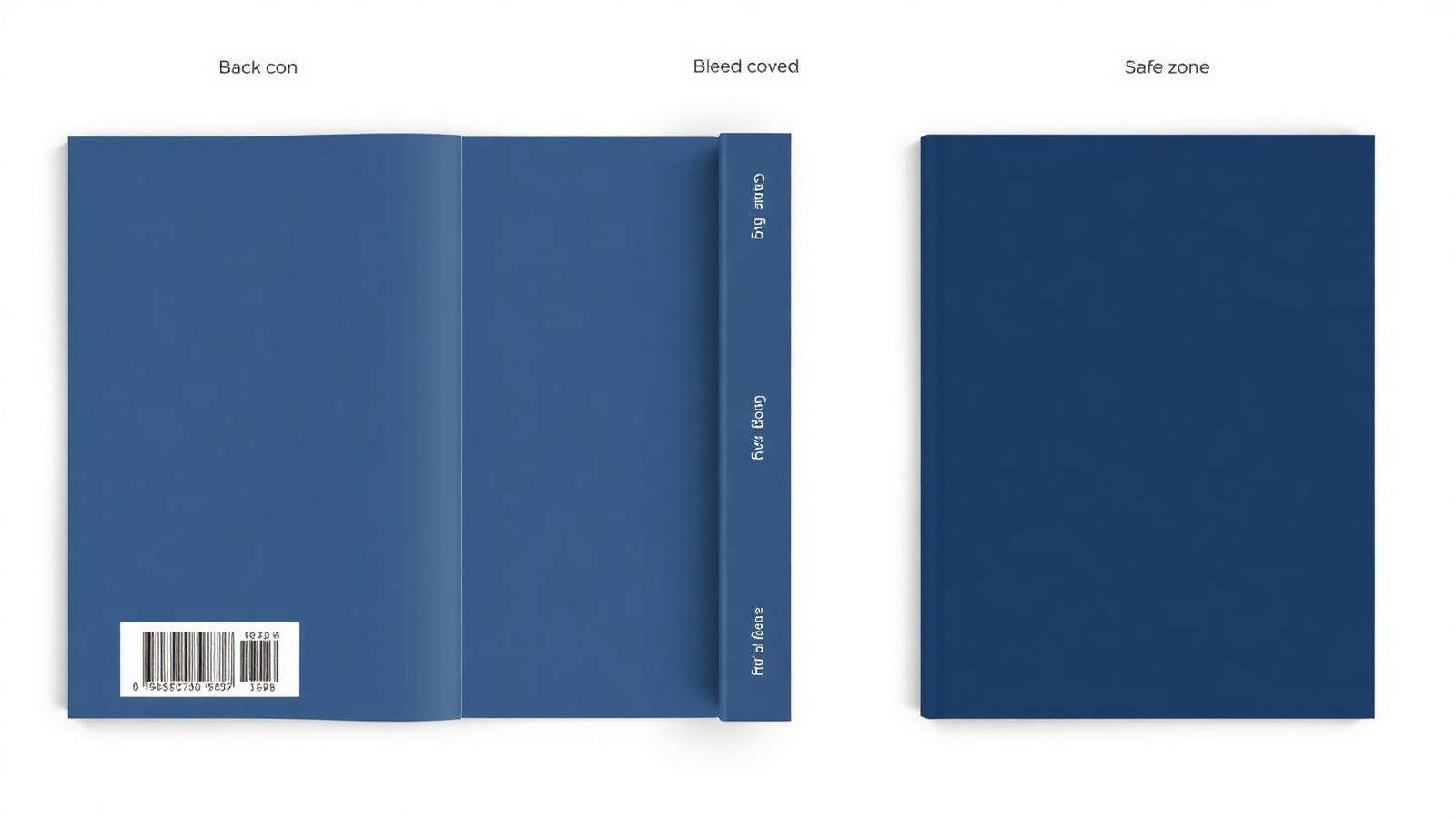
A KDP cover is not three glued images: it is a single horizontal PDF that Amazon folds when printing. From left to right you have the back cover (which contains the blurb, author bio and ISBN barcode), the spine (which usually shows title, author and sometimes the publisher logo), and the front cover (the visible face of the book, the one that sells).
The most common mistake first-time authors make is designing only the front and letting Amazon fill the rest with an automatic white background. It works technically, but visually it turns your book into an amateur product. A serious book has all three elements coordinated: if your front is navy blue, your spine and back are too. Chromatic coordination is the first thing a reader inspects when they turn the book in a bookstore or in an ad photo.
In addition to these three main blocks, there are two invisible but critical zones: the bleed zone, which is the extra margin that will be trimmed when the book is cut, and the safe zone, inside of which all text and important elements must fit so they are not too close to the edge. Ignoring these zones is the number one cause of KDP rejections.
Think of the cover as a single panel that will wrap the finished book. When you calculate its total width, you are not adding three independent pieces: you are measuring the physical paper that will make the full turn from the outer right edge, through the spine, to the outer left edge. Every millimeter counts because the paper folds at two exact points: where the back cover ends and the spine begins, and where the spine ends and the front cover begins.
2. The three formulas you need
The entire calculation boils down to three operations. Once you understand them, you will never depend on a downloadable template again.
Multiply the page count by the thickness of a single sheet according to paper type. Official KDP values are 0.002252" for white, 0.0025" for cream and groundwood, and 0.002347" for color. A 300-page book in white paper has a spine of 0.6756 inches (roughly 17.2 mm).
Add twice the trim width (front + back) plus the spine, plus an extra 0.25" (0.125" bleed on each outer side). Formula: total_width = (2 × trim_width) + spine + 0.25".
Take the trim height and add 0.25" (0.125" bleed top and bottom). Formula: total_height = trim_height + 0.25".
- → Spine width: 300 × 0.0025" = 0.75" (19.05 mm)
- → Total width: (6 × 2) + 0.75 + 0.25 = 13.00" (330.2 mm)
- → Total height: 9 + 0.25 = 9.25" (234.95 mm)
- → At 300 DPI: 3900 × 2775 pixels

3. Why paper decides your design
Paper type is not just an aesthetic decision: it physically changes the size of the spine and therefore the total width of your cover. Switching from cream to color on a 400-page book can change spine thickness by more than 6 mm, enough to throw off an already-laid-out design.
White paper (0.002252"/page) is the thinnest and most common in technical manuals, business books and essays. It gives a clean, contemporary feel, although it is more tiring for long reading sessions.
Cream paper (0.0025"/page) is the standard in fiction and long-form reading: warm, reduces eye fatigue and gives a classic look. Slightly thicker, so the spine will be larger.
Color paper (0.002347"/page) is required for books with internal illustrations, children's books, art notebooks or visual manuals. Printing cost is higher, but the color fidelity justifies it.
Groundwood paper (0.0025"/page) is an eco-friendly, cheaper alternative similar in feel to cream, widely used in mass-market fiction and pocket editions.
| Paper | Thickness/page | Recommended use |
|---|---|---|
| White | 0.002252" | Non-fiction, technical, business |
| Cream | 0.0025" | Novels, memoir, fiction |
| Color | 0.002347" | Illustrated, children, art |
| Groundwood | 0.0025" | Mass-market, pocket |
4. Bleed and safe area: the invisible trap
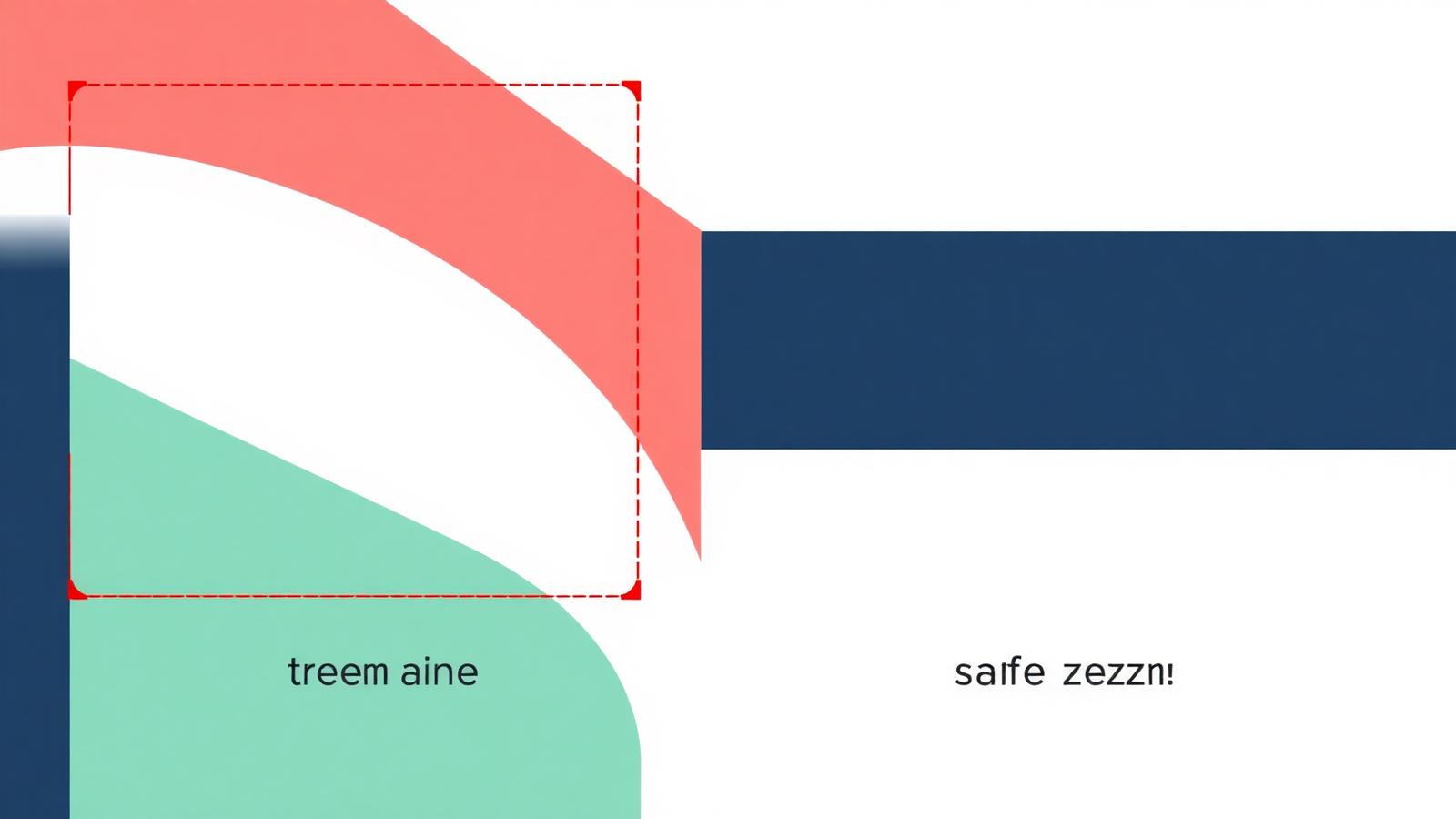
Bleed is the background extension that goes past the final book area. Amazon requires 0.125" (3.175 mm) of bleed on each of the four outer edges of the PDF. This means your background image must extend past the theoretical edge of the book so that, after guillotining, no unprinted white strip appears.
The safe zone is the counterpart: no text, logo or critical element should be less than 0.25" (6.35 mm) from the final edges of the book. Place the author name too close to the bottom edge and you risk the cutting machine slicing half of it. Cuts have tolerances, and tolerances are cruel to details.
On the spine the safe zone is even stricter: if your book has fewer than 100 pages, KDP does not allow text on the spine at all, because the width is too narrow to guarantee precision. From 100 pages on you can add text, but leave at least 0.0625" (1.6 mm) clear on each side of the spine text.
5. Which trim size to pick by genre
Trim size is not a random choice: readers associate certain formats with specific genres. Publishing a novel in 8.5×11" is disorienting; publishing a technical manual in 5×8" feels cramped. These are the most effective combinations.
6. The seven mistakes that get your cover rejected by KDP
- #1Forgetting the bleed
You upload a PDF exactly the size of the book and KDP's previewer throws an error. Remember: always 0.125" extra on each outer edge.
- #2Calculating the spine with the wrong paper
You designed with cream but when publishing you select color: the real spine will differ and the whole design will be shifted.
- #3Placing spine text on a book under 100 pages
KDP rejects automatically. Reserve spine text only above that threshold.
- #4Dropping resolution below 300 DPI
Text looks blurry and the previewer warns you. Always use real 300 DPI, not upscaled.
- #5Working in RGB instead of CMYK
Reds go dull, blues shift, and the printed result does not match what you saw on screen.
- #6Putting the barcode area over your design
Amazon overlays the ISBN automatically on the back cover. Leave that zone empty (approx. 2×1.2" bottom right corner).
- #7Uploading JPG instead of PDF
KDP accepts both, but only PDF guarantees crisp vector text without compression artifacts.
7. Hardcover: what changes compared to paperback
KDP hardcovers use a different calculation because they include wraparound flaps (case wrap). The hardcover PDF is larger than its paperback equivalent because it has an extra 0.625" on each edge to wrap around the internal board. Also, groundwood paper is not available for hardcover.
Another important difference: the rounded spine demands more safety margin on spine text, because the curvature of the board can visually shift the title by 1-2 mm when seen head-on from a shelf.
If your book will exist in both formats, design the hardcover first and adapt down to paperback. The reverse almost always forces a redo.
8. How to export the perfect PDF for KDP
Once the design is done, exporting is as important as the math. A badly exported PDF undoes hours of work. Follow this checklist before uploading.
- PDF/X-1a:2001 or PDF/X-3:2002 (the profiles KDP prefers).
- All fonts embedded.
- Real 300 DPI on every image.
- CMYK color space, no live transparencies.
- Bleed 0.125" active and visible in the file.
- No crop marks or page info.
- Total size matches the calculator exactly (check to the third decimal).
- Final weight under 650 MB (KDP limit).
- You can change paper or page count without downloading a new template every time.
- You understand the reason behind every millimeter, so you fix mistakes faster.
- Works for any custom size, including those KDP has no official template for.
- Saves time: the calculator answers in one second, the official template takes minutes to generate.
- You can produce multiple versions (to experiment with color paper or different format) without re-generating templates.
- If it is your first time and you want visual reference lines inside the file itself.
- If your software does not allow manual bleed adjustment (rare in 2025).
- If the book has an exact standard size you will never modify.
- If you work with an external designer who requires the official template as a deliverable.
Frequently asked questions
Can I use pixels instead of inches?
Yes, but always convert at 300 DPI: a 6×9" 200-page white paper book measures 3825 × 2775 total pixels (front + spine + back + bleed).
What if my book has an odd page count?
KDP requires an even minimum. Add a blank page at the end if needed.
Does spine thickness change if I use color ink inside?
Yes. KDP's official color paper measures 0.002347" per page, slightly thinner than cream but thicker than white.
What is the minimum page count for spine text?
100 pages for paperback. Below that, KDP does not allow spine text due to cut precision.
Can I upload JPG instead of PDF?
Technically yes, but you will lose typographic quality. Always use vector PDF if there is any text on the cover.
What is CMYK and why does it matter?
It is the print color space (Cyan, Magenta, Yellow, Key/Black). Design in RGB and your vibrant tones will dull once printed.
In summary
Designing a KDP cover does not have to be trial and error. With the three formulas (spine, total width, total height), the correct paper, the correct bleed and a PDF exported in CMYK at 300 DPI, your book will pass the KDP previewer on the first try. The calculator at the top of this page automates every calculation: enter trim size, pages and paper, and get exact dimensions ready to lay out.
If you would rather not build it yourself, our team can do it for you: upload your front, back and spine images and we return the final publish-ready PDF in under 48 hours.